Performance Settings
Version 25.3.9469
Version 25.3.9469
Performance Settings
This section allows you to define global settings for the Automation service.
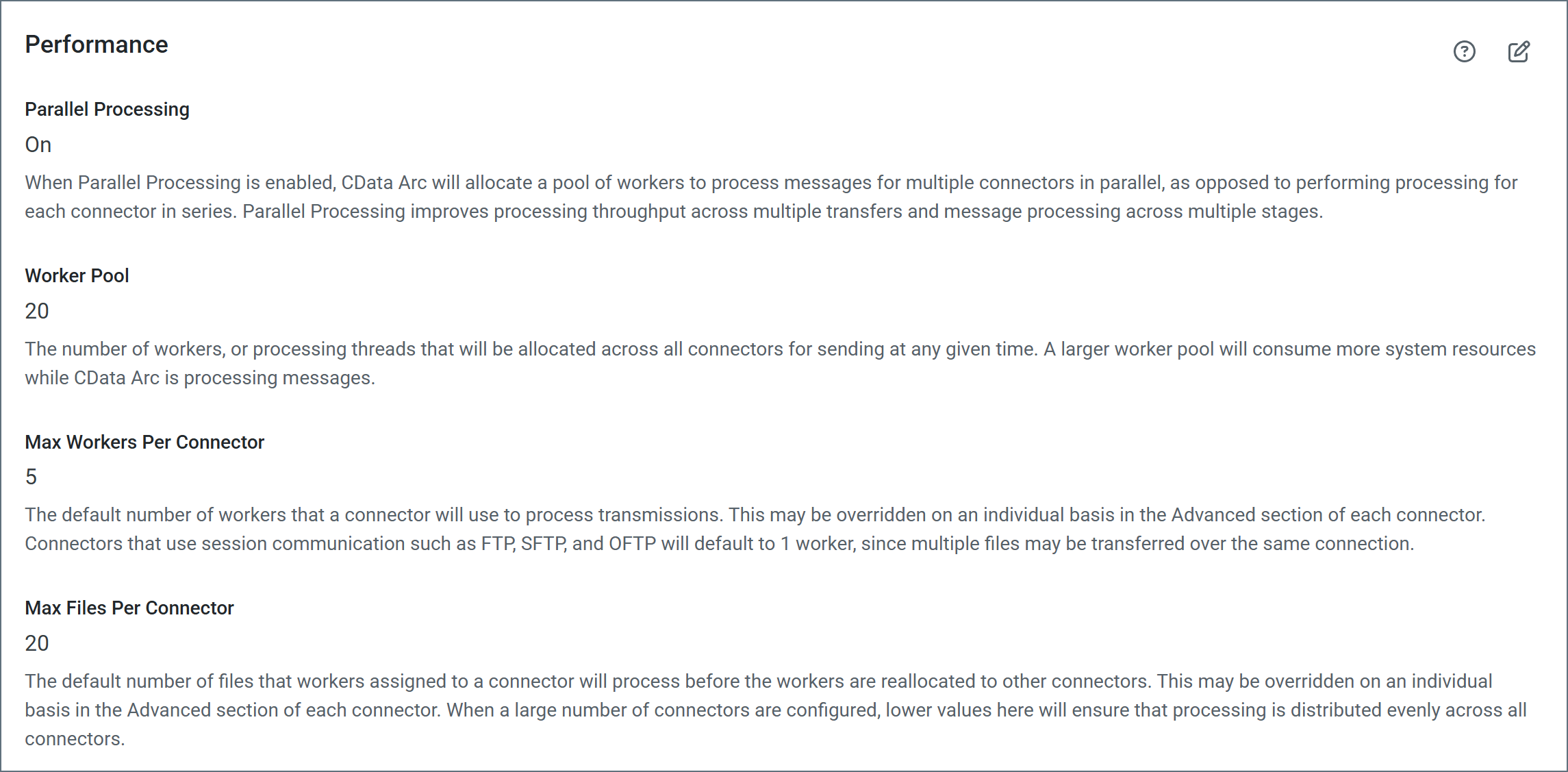
- Parallel Processing When parallel processing is enabled, Arc allocates a pool of workers to process messages for multiple connectors in parallel, as opposed to performing processing for each connector in series. Parallel processing improves processing throughput across multiple transfers and message processing across multiple stages. The following options only appear when parallel processing is enabled.
- Worker Pool Establishes the global maximum number of threads that the application can assign to all connectors (combined) at the same time. When a thread finishes its assignment in a specific connector, it is recycled back into the pool. The hardware resources available on the host machine determine the upper limit for this setting. A larger worker pool consumes more system resources while Arc is processing messages.
- Max Workers per Connector The default number of workers that a connector uses to process transmissions. This setting can be overridden on an individual basis on the Advanced tab of each connector. Connectors that use session communication such as FTP, SFTP, and OFTP default to 1 worker, since multiple files might be transferred over the same connection.
- Max Files per Connector The default number of files that workers assigned to a connector process before the workers are reallocated to other connectors. This can be overridden on an individual basis on the Advanced tab of each connector. When a large number of connectors are configured, lower values here ensure that processing is distributed evenly across all connectors.
See Maximizing Performance for more information.