Connections
Version 25.3.9469
Version 25.3.9469
Connections
Connections
The Connections tab lists configured connection parameters that can be shared among multiple Arc connectors. This allows for centralized connection management and simplified configuration in individual connectors that connect to the same source using the same credentials.
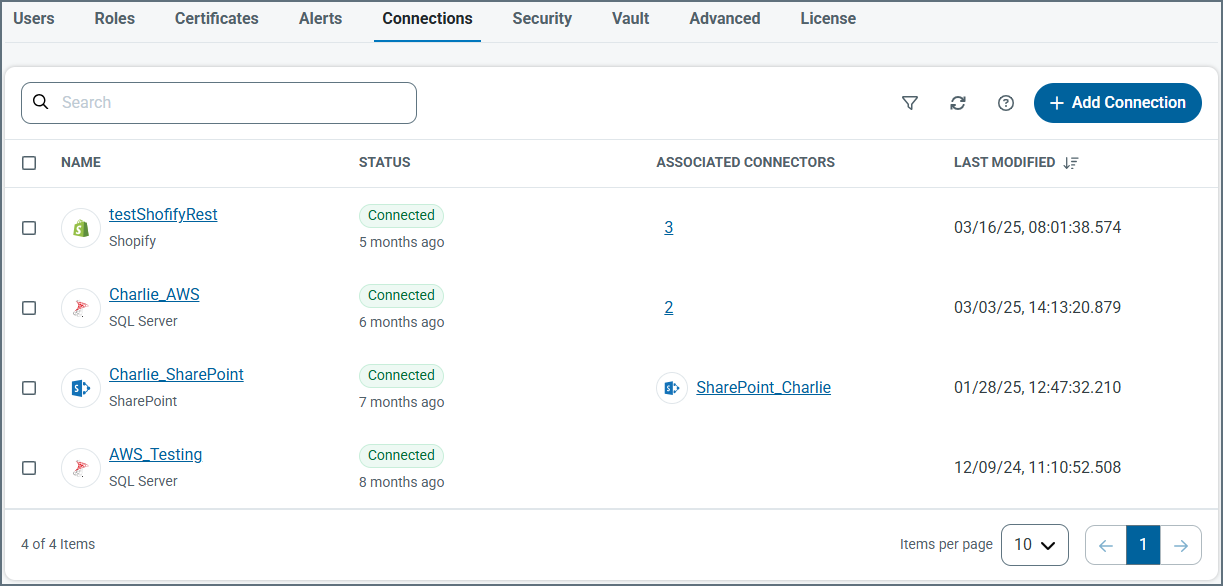
To create a new shared connection, click Add Connection and select the connection target. The specific connection parameters vary by target, and might require OAuth redirection. Click Add and Test to save the connection. If the test fails, the connection is still saved, but you can continue to edit it.
Once the shared connection is created, you can select it from the Connection dropdown in connectors that support shared connections.