Network Access
Version 25.3.9469
Version 25.3.9469
Network Access
These network access settings provide additional security to CData Arc. If an IP address is banned, it cannot access the application at all (the login, help, and Admin API pages are invisible). Arc allows access to protected resources based on this priority list:
- Global deny
- User deny
- User allow
- Global allow
- Default deny
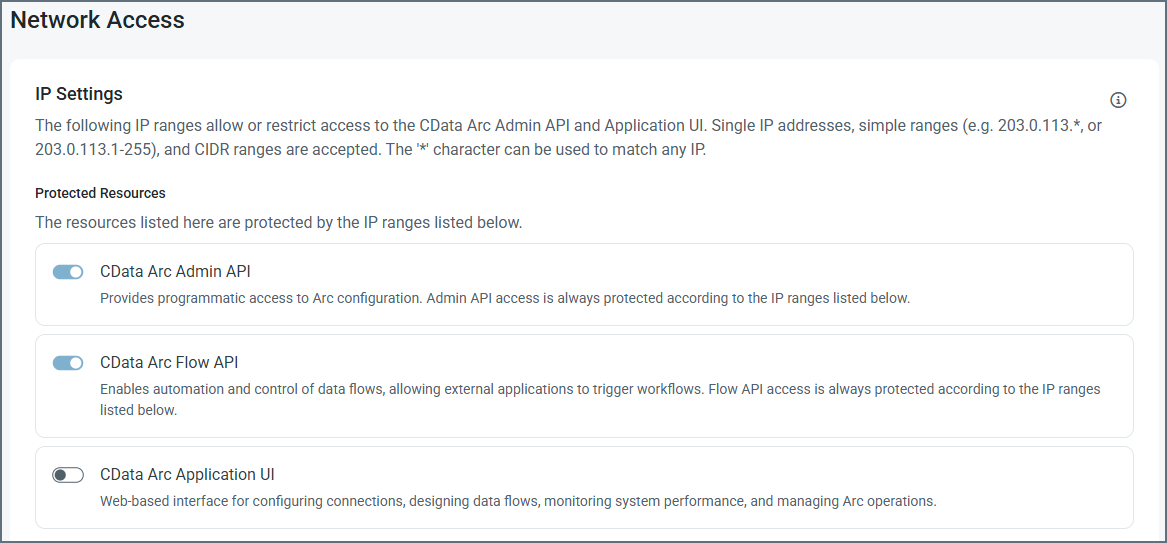
You can see in the list of Protected Resources that the Admin API and Flow API are always protected, and you cannot change that. Use the Application UI toggle to protect the UI.
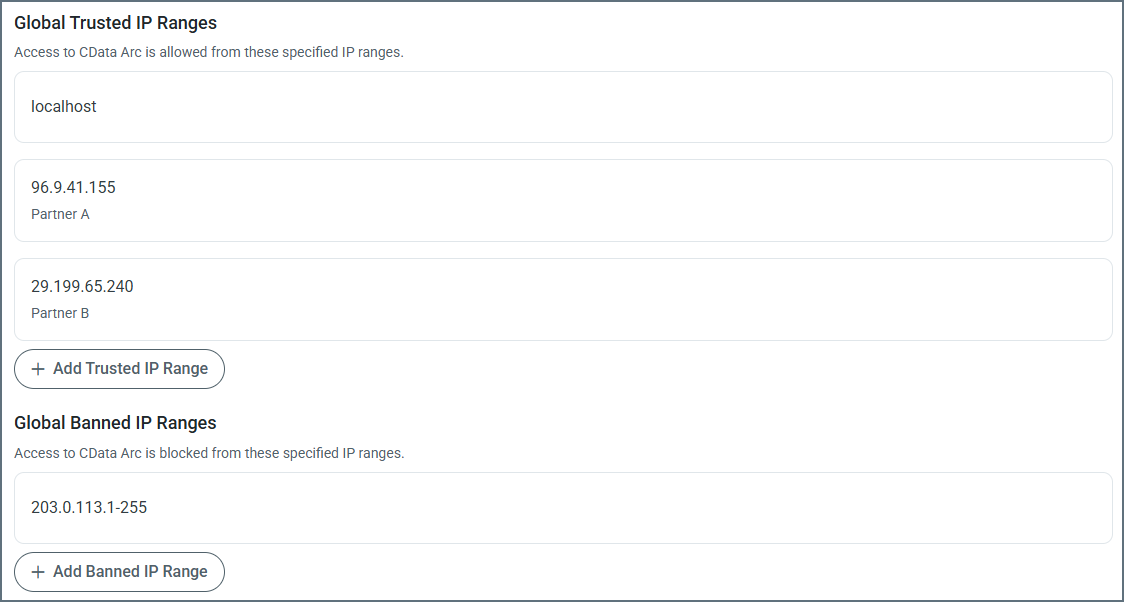
Use the Add Trusted IP Range and Add Banned IP Range buttons to allow or ban specific IP ranges. You can provide single IP addresses, simple ranges (such as 203.0.113.* or 203.0.113.1-255), or Classless Inter-Domain Routing (CIDR) ranges. To edit an existing range, hover over it, click the ellipses, then click Edit.
Note: Because you can lock yourself out of the application with this setting, it detects when this might happen and does not allow you to save changes.