Migration
Version 25.3.9469
Version 25.3.9469
Migration
The Migration portion of the Advanced page enables you to perform a full import or export of your application, including all of the global application data and settings.
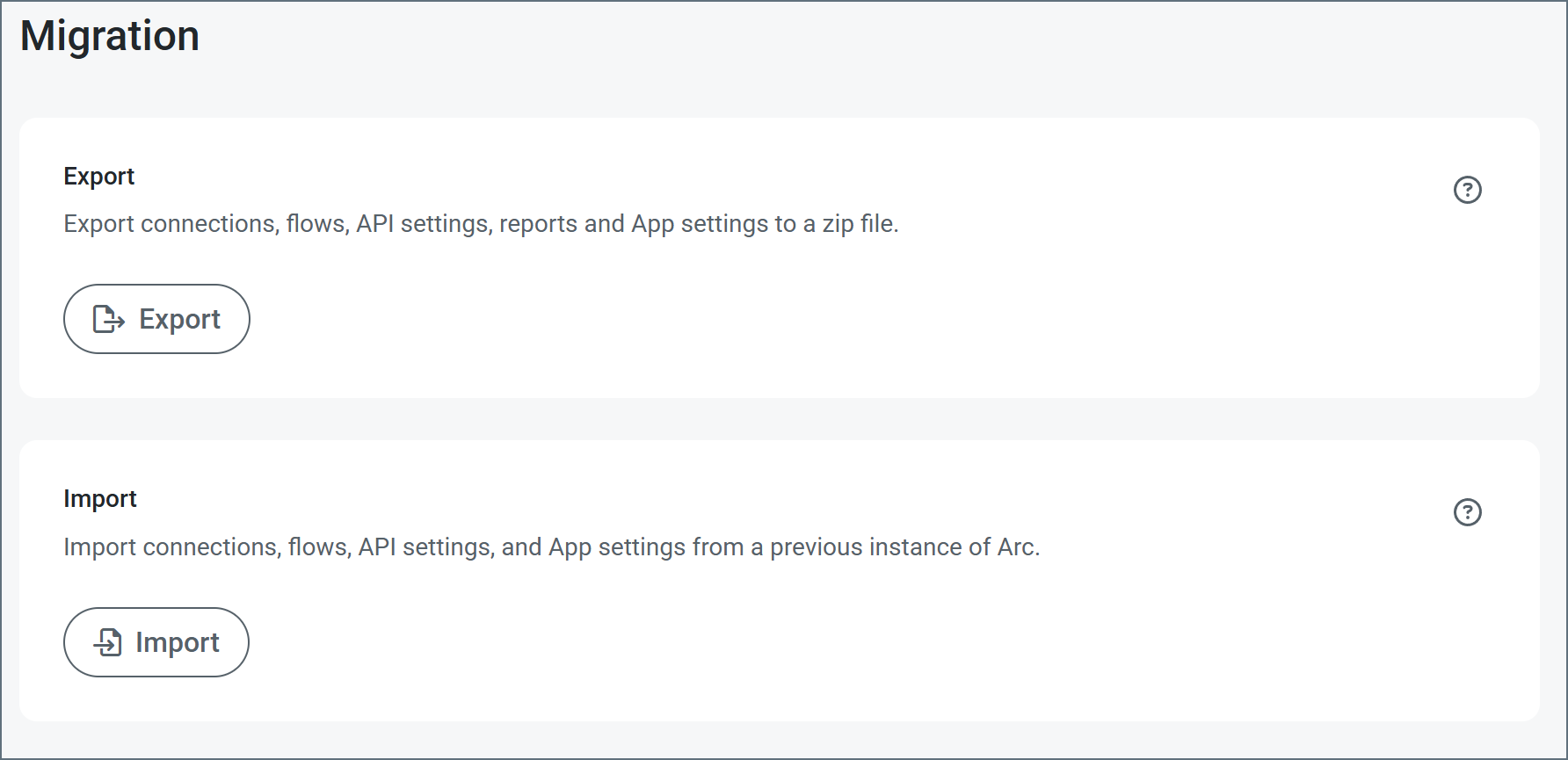
Use the Export button to export global application data. Doing so exports your data in an ARC file (.arc extension). This file type stores global application data such as multiple workspaces and settings as well as users, roles, reports, and other global data.
In a similar way, you can import application data by using the Import button to import an ARC file.
For details about how to use the Migration settings to import or export your application, see Importing and Exporting.