License
Version 25.3.9469
Version 25.3.9469
License
The License tab displays your licensing information, including which enterprise features you have enabled, the license expiration date, your product key, the version of CData Arc you are running, and your Node ID.
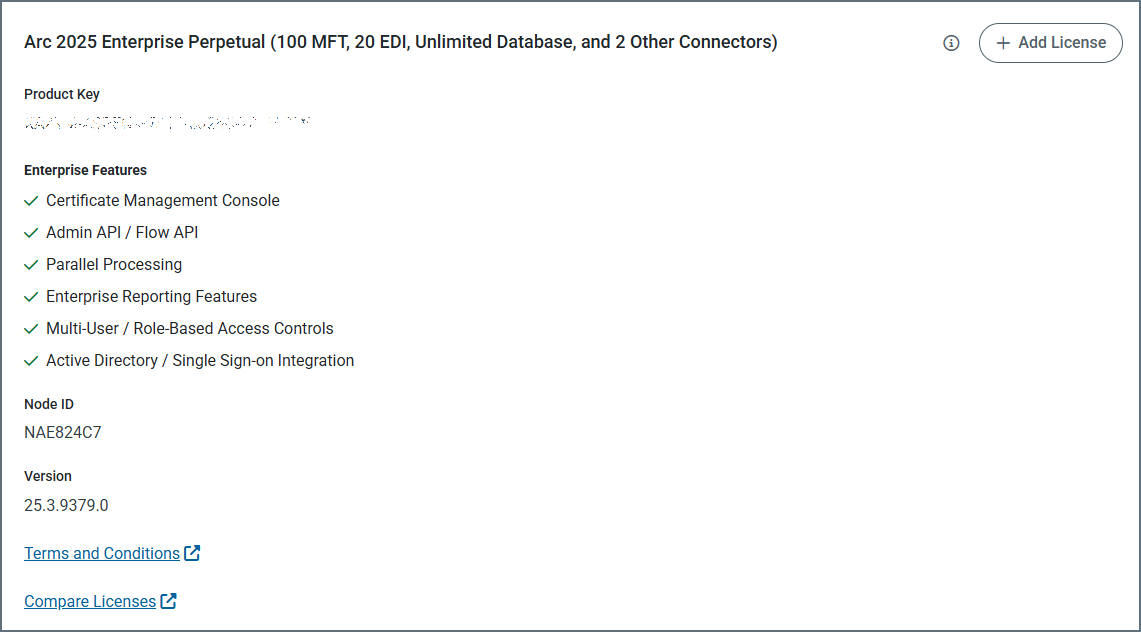
If you purchase a new license, you can install the license on this licensing tab using the Add License button. To extend a trial license, please contact [email protected] with your Node ID.
Connector Usage
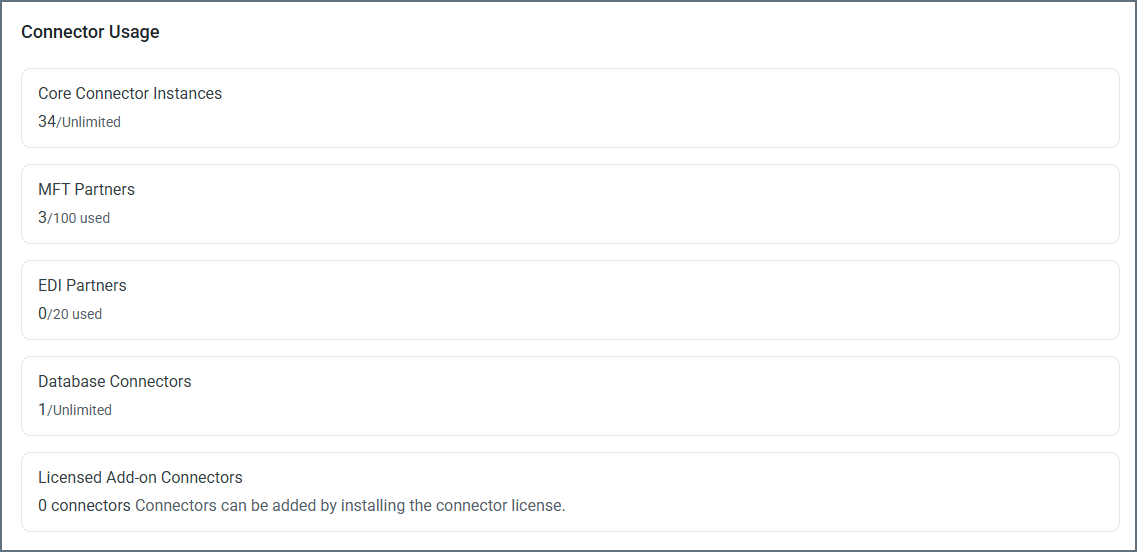
The Connector Usage section shows a breakdown of connector usage by category, providng a view of exactly how your current license is being utilized.
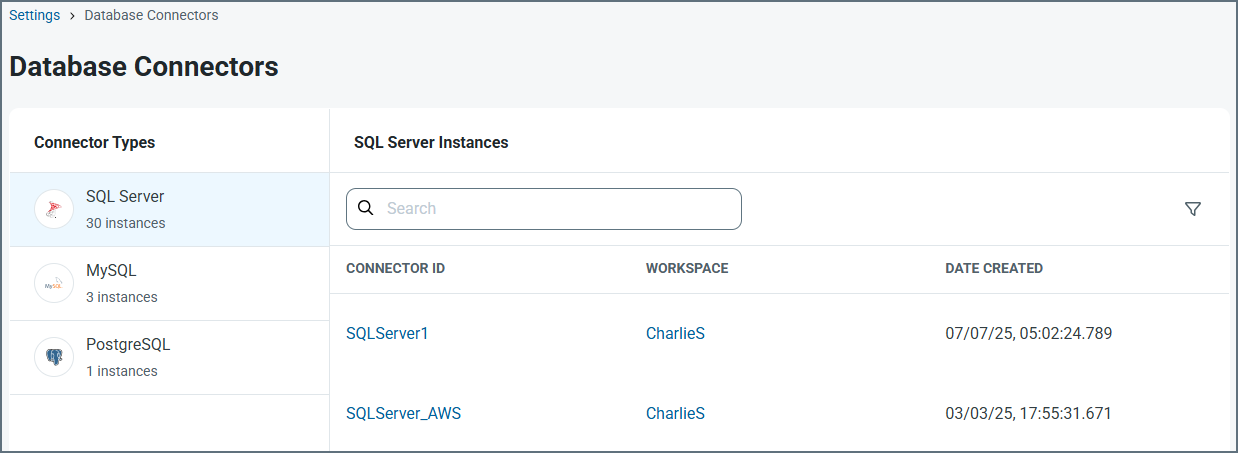
Click any category to see details on all instances of that connector type. This allows you to identify and manage connectors of any category, so you can free up allocations if necessary.
Disk Space Usage
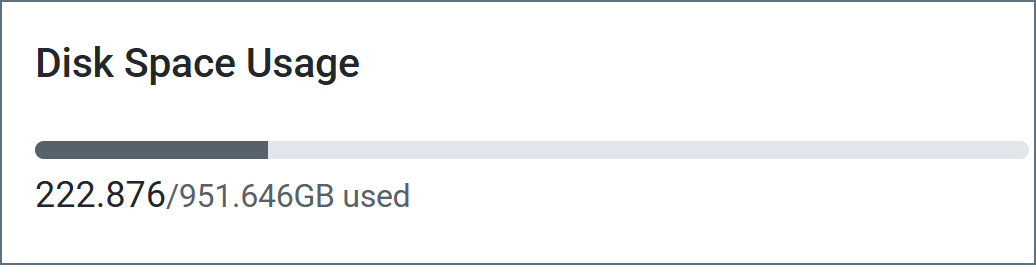
The Disk Space Usage section shows exactly how much disk space you have free. If your disk is over 80% full, Arc displays a message to that effect, and notifies you that once you hit 90% full, automatic processing will be suspended.