AI Settings
Version 25.3.9469
Version 25.3.9469
AI Settings
This section contains the configuration options that control the behavior of AI features. Click Configure to open the Configure AI Settings pane.
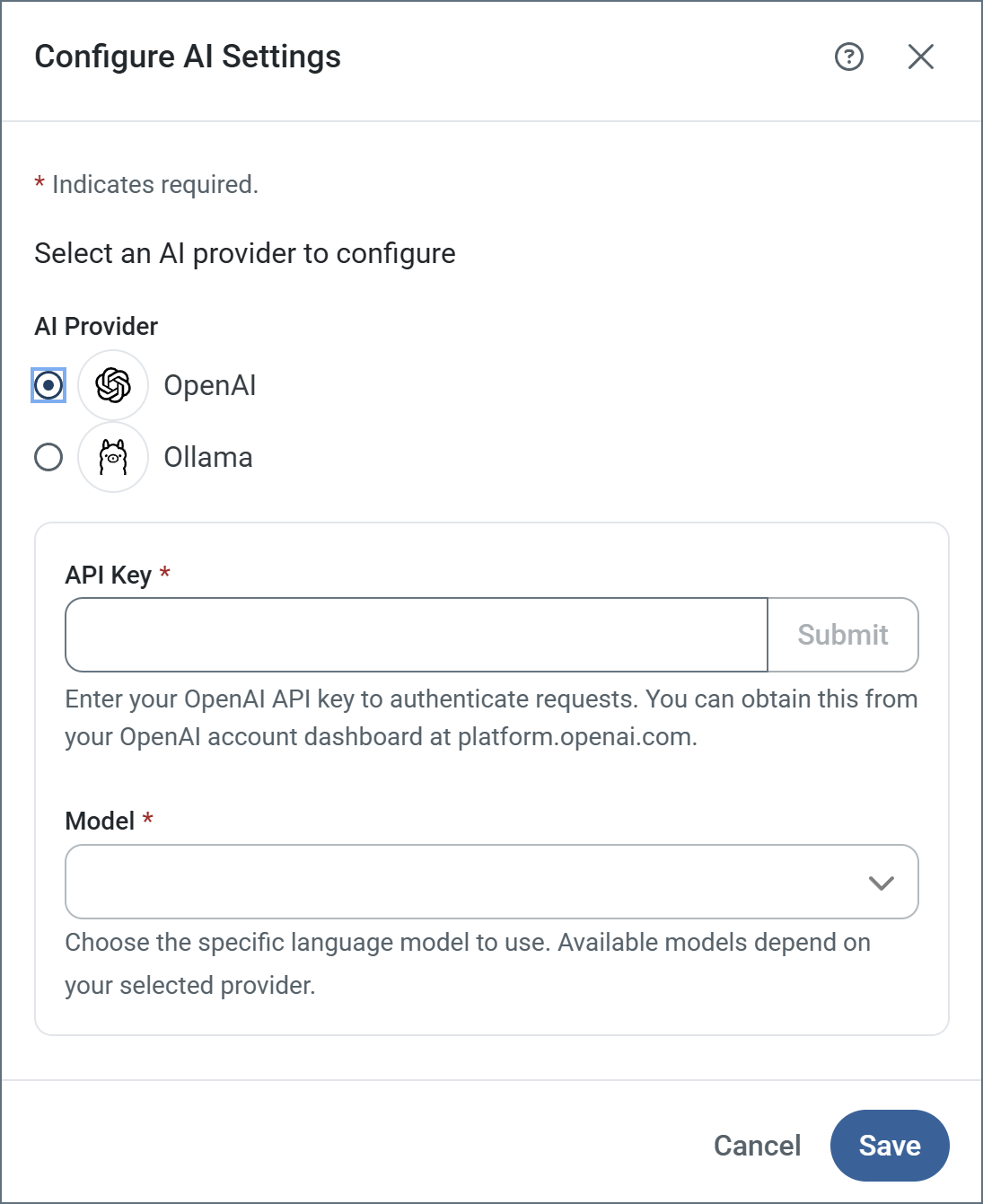
- AI Provider Choose your AI provider: OpenAI or Ollama. The following settings vary based on your choice of provider.
- API Key Enter your OpenAI API key to authenticate requests. You can obtain this from your OpenAI account dashboard at platform.openai.com.
- Base URL Specify the endpoint URL where your Ollama service is running (for example, http://localhost:11434).
- Model Choose the specific language model to use. Available models depend on your provider.
Note: Not all open source models support the ability to set a json schema to use for the response that Arc requires. Ensure the Model you choose has that capability.