Proxy Settings
Version 26.2.9686
Version 26.2.9686
Proxy Settings
The Proxy Settings portion of the Security page contains global inbound and outbound proxy settings. Connectors that support an outbound proxy (such as AS3) default to these Outgoing settings, but you can configure individual connectors with separate proxy settings on the Advanced tab of some other connectors (for example, FTP and SFTP).
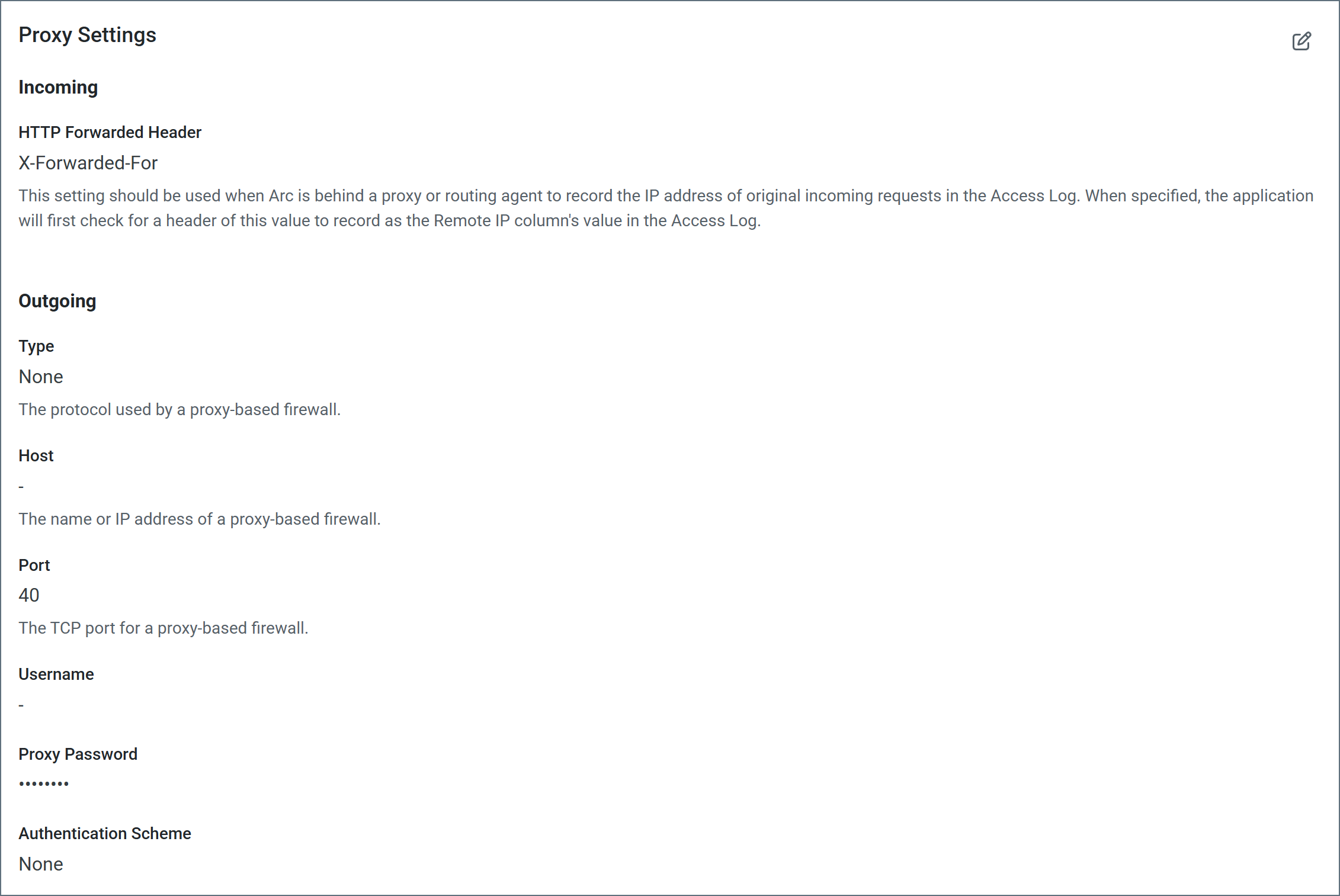
Incoming Proxy Settings
- HTTP Forwarded Header Use this when Arc is behind a proxy or routing agent to record the IP address of original incoming requests in the access log. When specified, the application first checks for a header with this value to record as the remote IP column’s value in the log.
Outgoing Proxy Settings
- Proxy Type The protocol used by a proxy-based firewall.
- Proxy Host The name or IP address of a proxy-based firewall.
- Proxy Port The TCP port for a proxy-based firewall.
- Proxy User The user name to use to authenticate with a proxy-based firewall.
- Proxy Password A password used to authenticate to a proxy-based firewall.
- Authentication Scheme Leave the default None or choose from one of the following authentication schemes: Basic, Digest, Proprietary, or NTLM.