Git Version Control Settings
Version 26.2.9686
Version 26.2.9686
Git Version Control Settings
You can use Git-based version control in CData Arc, which enables configuration tracking, audit trails, and environment management. Before you can use it, you must install Git, and create your remote repository. See Prerequisites for instructions.
To complete the configuration, navigate to Settings > Advanced > Git Version Control, then click Configure.
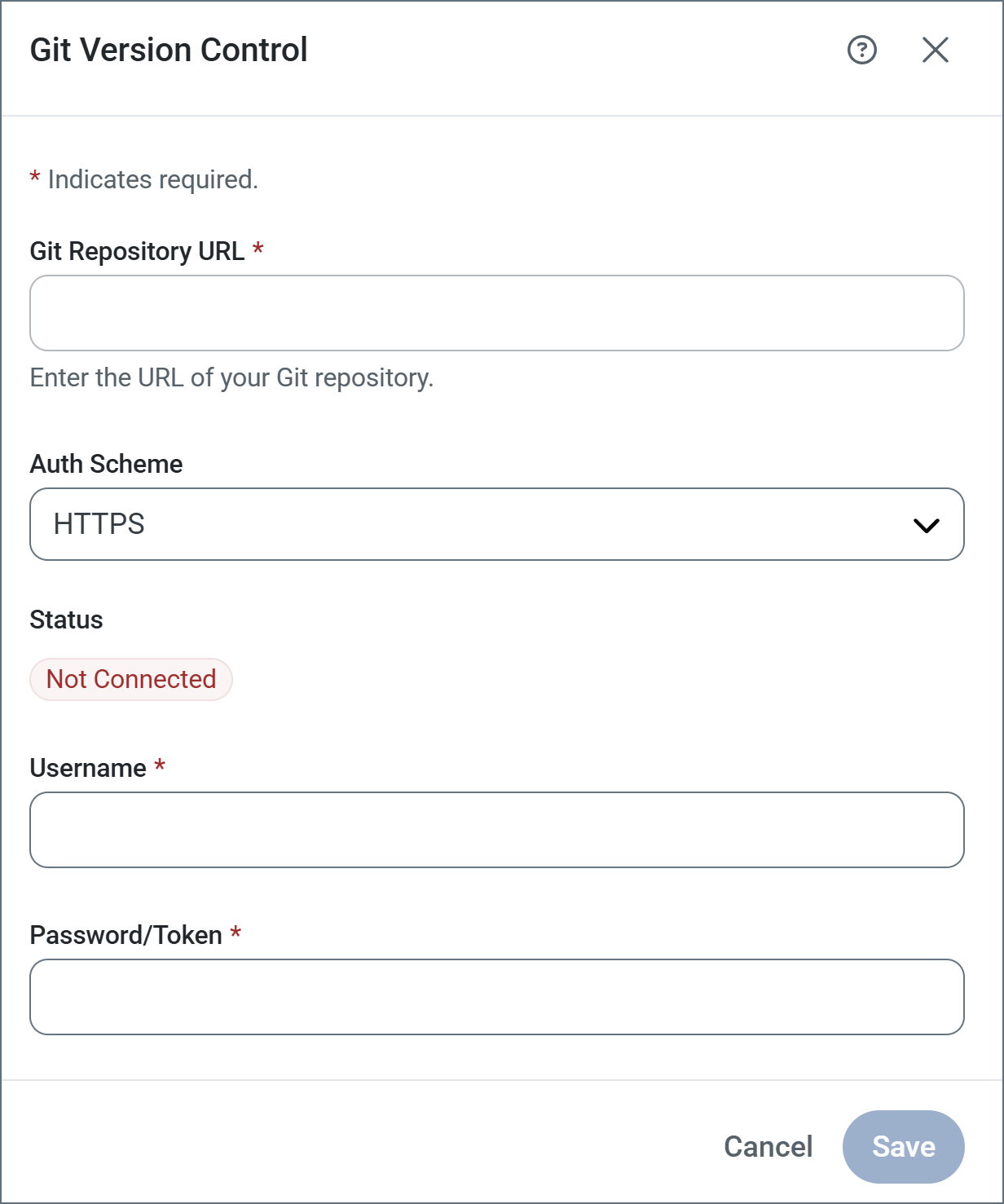
Provide the following:
- The URL to your remote Git repository. If you are using SSH, do not enter the HTTPS address here; you must use the SSH address (for example,
[email protected]:username/private-repo.git). All major Git platforms are supported (such as GitHub, GitLab, Bitbucket, and Azure Devops). - Your auth scheme. Once you select an auth scheme, the fields required for configuration appear.
- HTTPS: The Username and Password or Token to connect to the repository.
- SSH: The SSH Private Key file and Passphrase to connect to the repository. See Authenticating with SSH for more information.
- OAuth: Click Get Access Token to retrieve the access token that allows you to connect.
When you click Save, Arc connects to the repository and runs an initialization task. This initialization creates a Git repository inside AppDirectory, creates a branch named settings-before-git-init-<initialization_date> that contains the configuration that exists at initialization, and stages those configuration files for commit. This ensures that no configurations are lost in the event that the remote repository already has content that would conflict with those settings.
The Arc footer changes to a status bar showing a number of Git metrics and actions such as the current number of local files changed, the number of remote commits and the current branch. Click Commit and Push on the toolbar to push the initial commit to the remote repository.

Authenticating with SSH
Follow these steps to authenticate using SSH:
- Run
ls -al ~/.sshto check for an existing SSH key. - If you have an existing key, you can use it. Alternatively, run this command to generate a new SSH public/private key pair:
ssh-keygen -t ed25519 -C "[email protected]". - Optionally, add a passphrase to the key for added security.
- Use the SSH Private Key field to upload your private key.
- Add the public SSH key to your Git platform.
For more information on how to authenticate with SSH, review your Git platform’s documentation.