Connector View and Bulk Editing Connectors
Version 26.2.9686
Version 26.2.9686
Connector View and Bulk Editing Connectors
CData Arc provides a centralized connector management view that displays all connectors across all workspaces in a single interface, enabling users with connector management permissions to efficiently locate and manage connectors at scale. This feature supports bulk editing of connector settings, allowing you to apply changes to multiple connectors simultaneously.
Click Flows on the navbar to open the workspaces grid, then click Connector View in the top right to see a list of all connectors in your application.
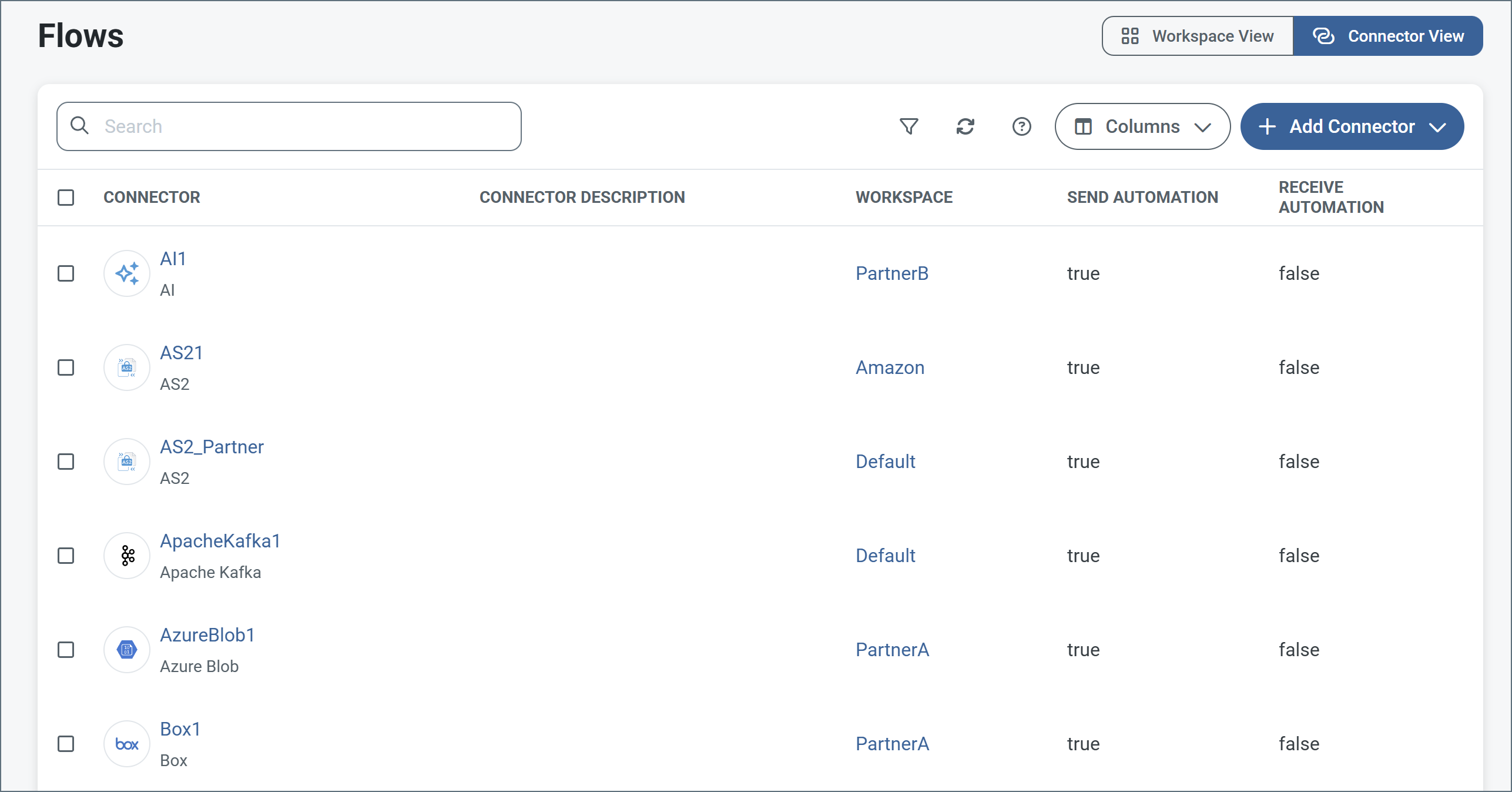
The connector view page enables you to perform the following:
- Search for specific connectors across workspaces
- Use the funnel icon to filter the connectors in a variety of ways
- Choose which columns should appear on the page
- Add new connectors
- Select multiple connectors and perform bulk edits
To perform a bulk edit on multiple connectors, use the checkboxes to select the connectors, then select Edit Settings.
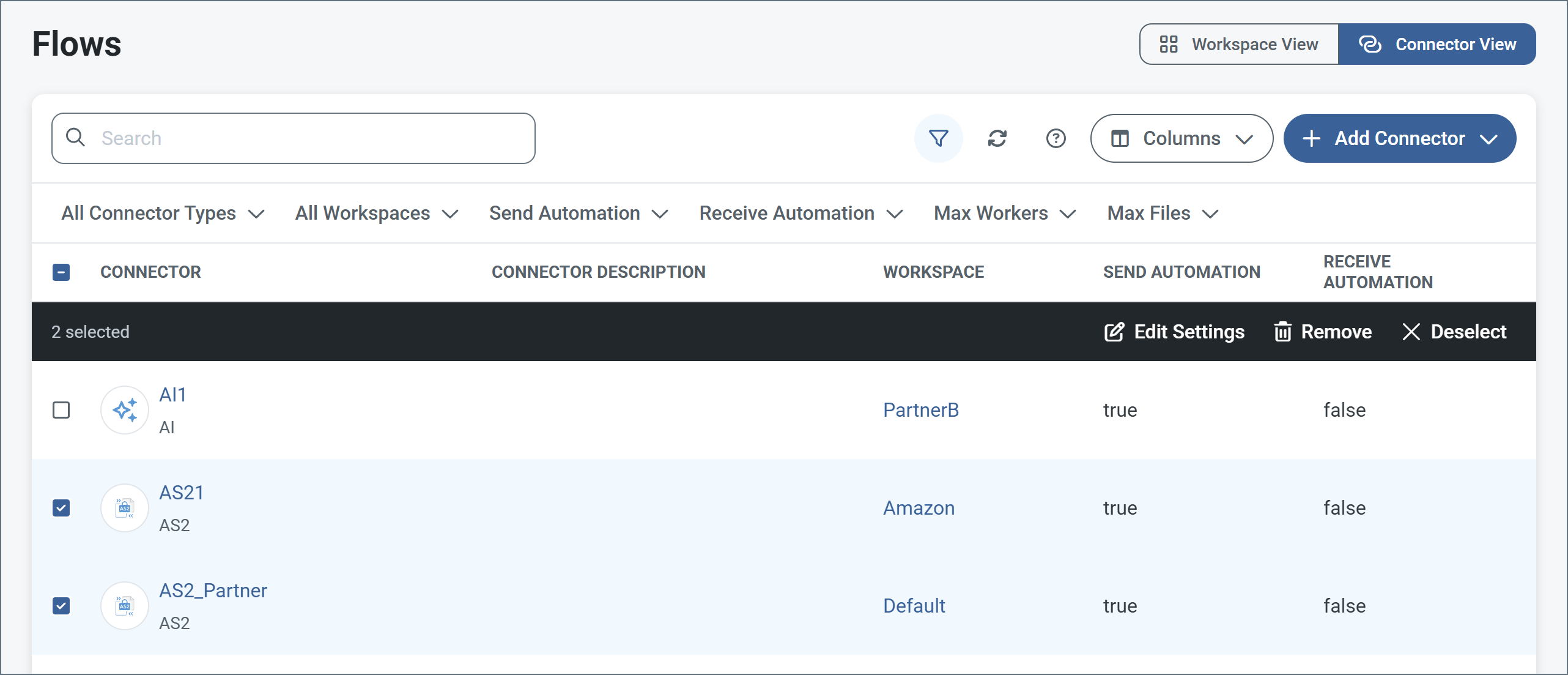
The Edit Settings page is divided into the same tabs you find when you create individual connectors. Use the checkboxes on all the tabs to select which fields to edit, then make your edits. When you are finished, click Save. When you save, Arc validates your changes and reports any warnings or errors before applying the changes to the selected connectors.
