AI Settings
Version 26.2.9686
Version 26.2.9686
AI Settings
This section contains the configuration options that control the behavior of AI features. Click Configure to open the Configure AI Settings pane.
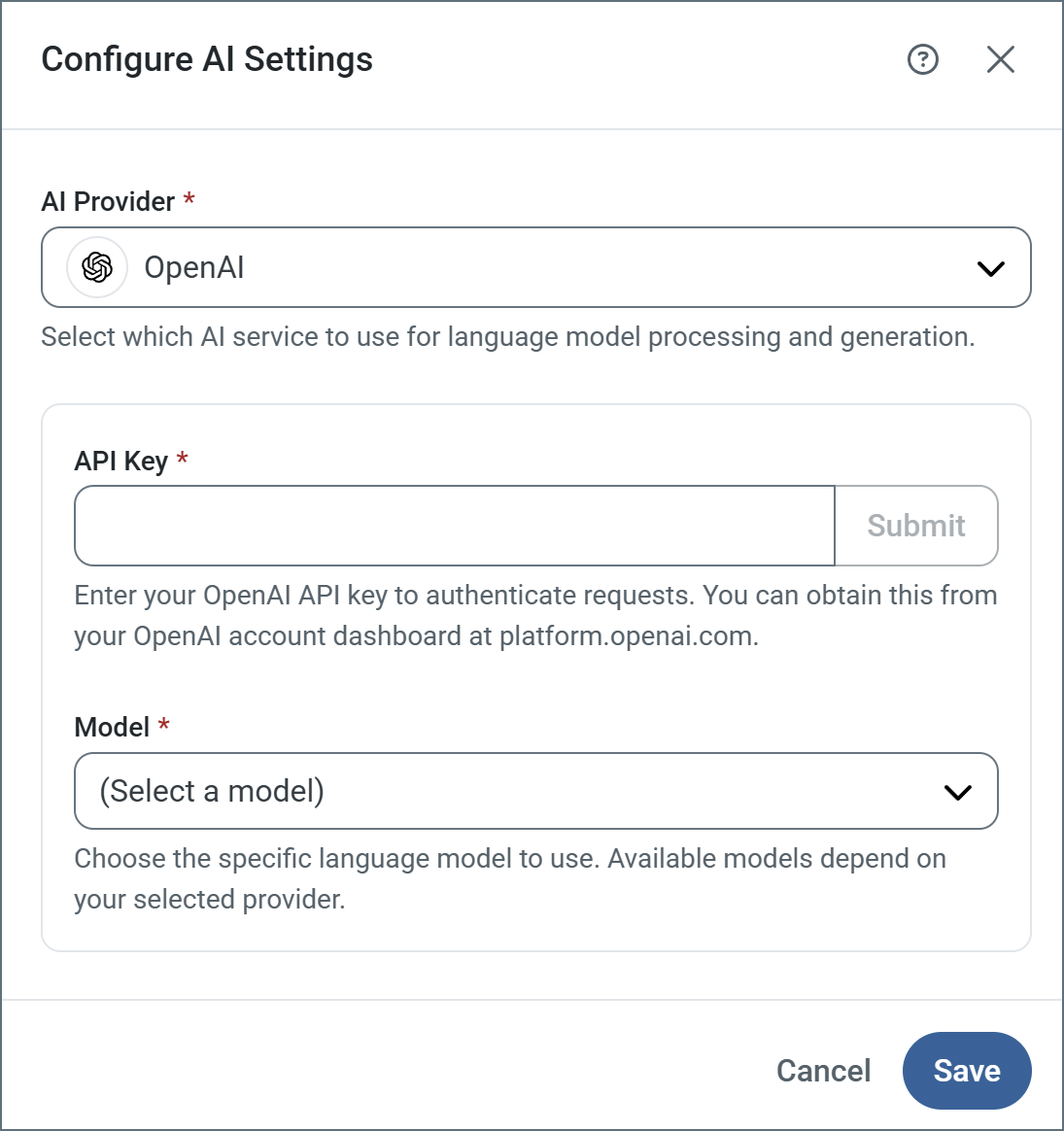
- AI Provider Choose your AI provider from the list. The supported providers are Claude, DeepSeek, Gemini, Grok, Ollama (cloud and local), OpenAI, and OpenAI Compatible. The following settings vary based on your choice of provider.
- API Key Enter your API key to authenticate requests (all providers except Ollama local).
- Base URL Specify the endpoint URL where your Ollama (Local) or OpenAI Compatible service is running (for example, http://localhost:11434).
- Model Choose the specific language model to use. Available models depend on your provider.
Note: Not all open source models support the ability to set a json schema to use for the response that Arc requires. Ensure the Model you choose has that capability.