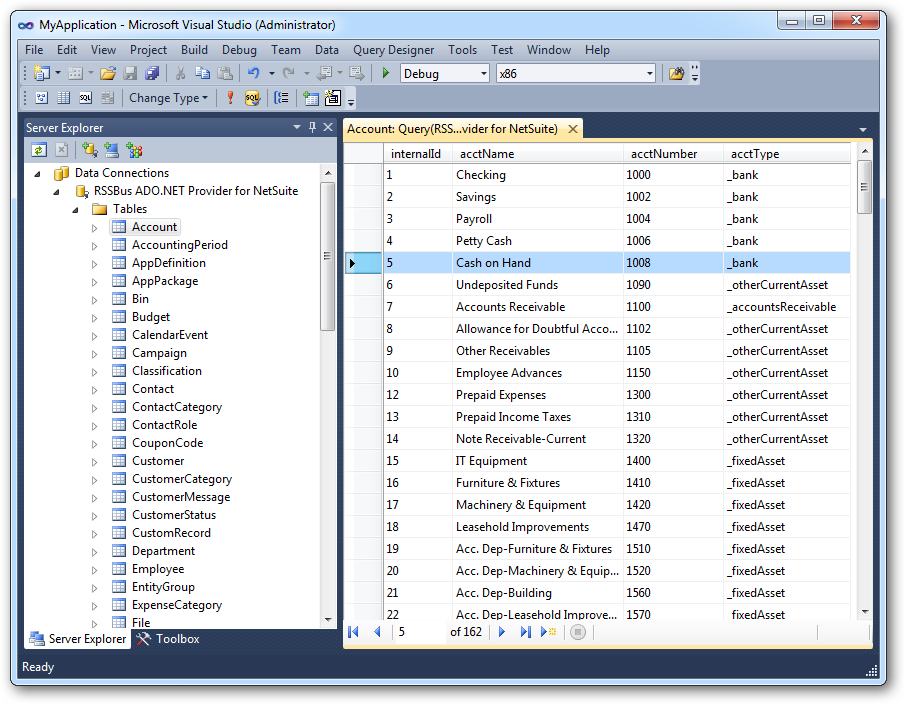
Using Server Explorer
After Establishing a Connection to the data source, the connection will list three categories: Tables, Views, and Services. Tables correspond to database tables and support two-way data communication. Views act as traditional database views and services act as stored procedures. These entities enable you to access live data from tools such as Server Explorer.
You can analyze views and tables by expanding the column definitions for each entity. Data can be queried for tables and views by right-clicking a table or view and then clicking Retrieve Data. Tables can be updated without needing to enter an SQL command as the grid containing the data supports updates. Services may be called using the EXEC keyword. For more information on tables, views, and stored procedures, see the Data Model section.