Establishing a Connection
Click the From NetSuite button to launch the connection dialog. Here you can set the connection settings, test the connection, and save the connection profile. The RSSBus Excel Add-In for NetSuite will use the saved connection from then onwards.
You can also enable updates, deletes, and inserts for the connection.
Verify connection settings by clicking the Test Connection button.
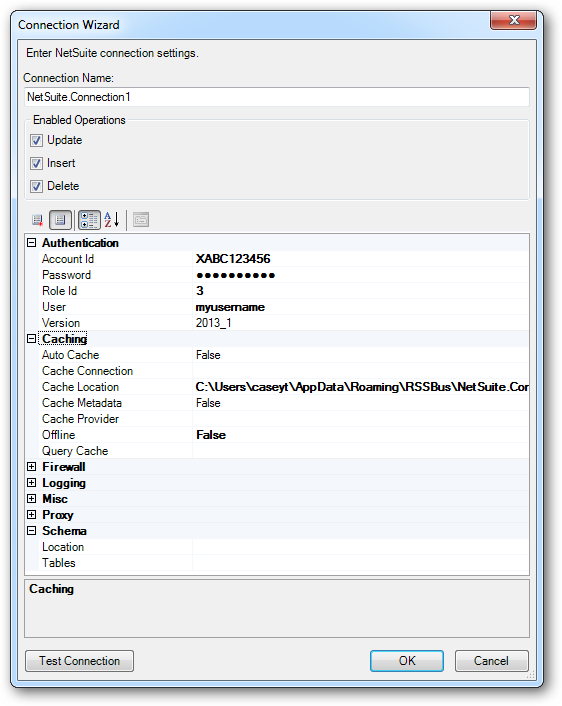
The User and Password properties, under the Authentication section, must be set to valid NetSuite user credentials. In addition, the AccountId must be set to the Id of a company account that can be used by the specified User. The RoleId can be optionally specified to log in the user, with limited permissions.