Establishing a Connection
Adding a new NetSuite connection to the SSIS package is straightforward. Right-click within the Connection Manager window and select New Connection from the menu. Then, choose the NetSuite Connection Manager from the Add SSIS Connection Manager window. Alternatively, you can create a new connection directly using the NetSuite Source or the NetSuite Destination. You can set the connection string options in the NetSuite Connection Manager window, shown below.
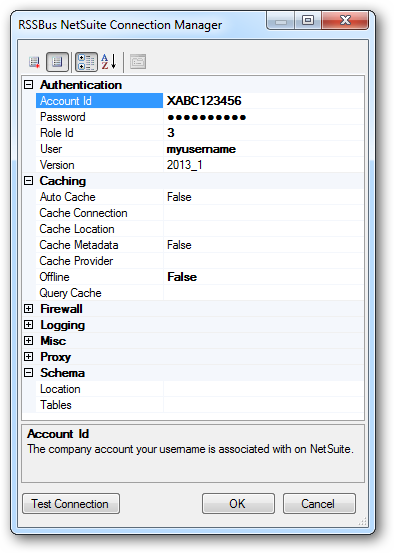
The User and Password properties, under the Authentication section, must be set to valid NetSuite user credentials. In addition, the AccountId must be set to the Id of a company account that can be used by the specified User. The RoleId can be optionally specified to log in the user, with limited permissions.